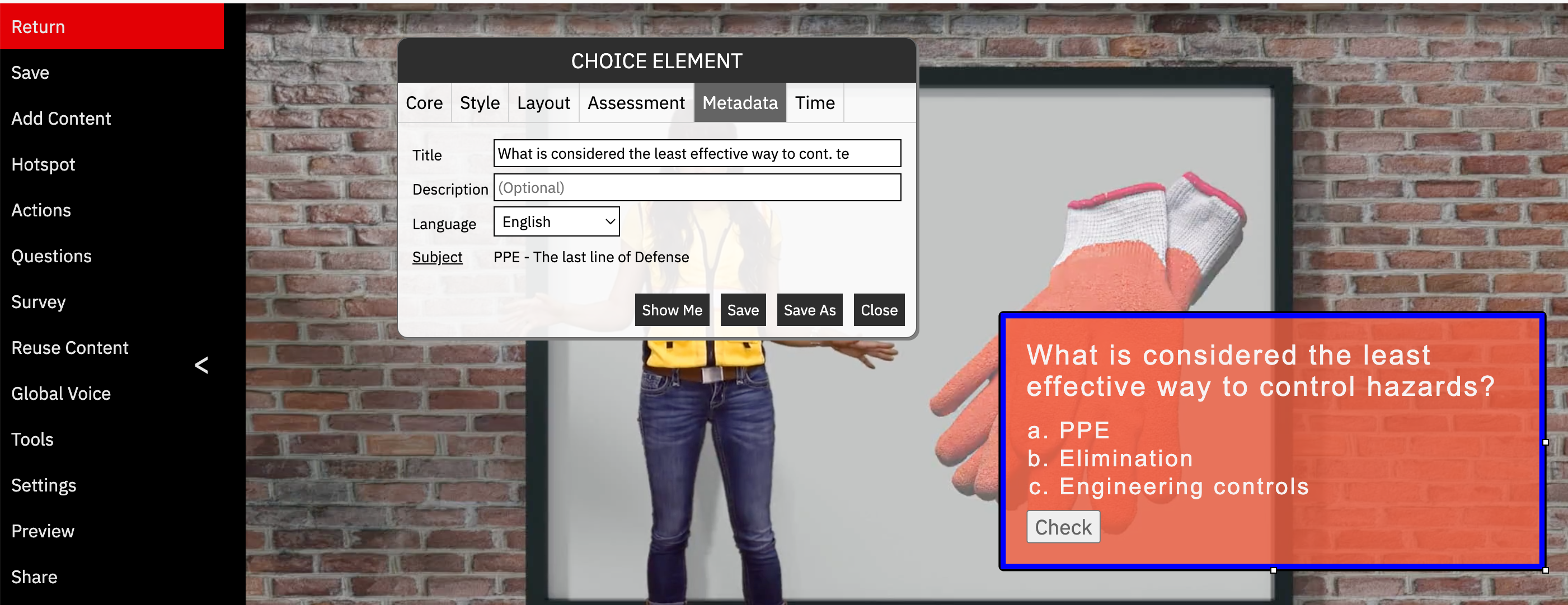
To change the name of an element in a video (IE question, text, image,) hover over the element, then click the pencil on the top right to edit. In the window that opens, click the metadata tab, edit the title and click SAVE. This changes the name of the element. If you wish to create a copy of the element, use the same steps but click SAVE AS and you will now have 2 different elements.
Was this article helpful?
That’s Great!
Thank you for your feedback
Sorry! We couldn't be helpful
Thank you for your feedback
Feedback sent
We appreciate your effort and will try to fix the article